Generar los archivos del Libro IVA Digital de ARCA en Node.js
Generá en Node.js los TXT de ventas y alícuotas que acepta Portal IVA, con ancho fijo y codificación Windows-1252.

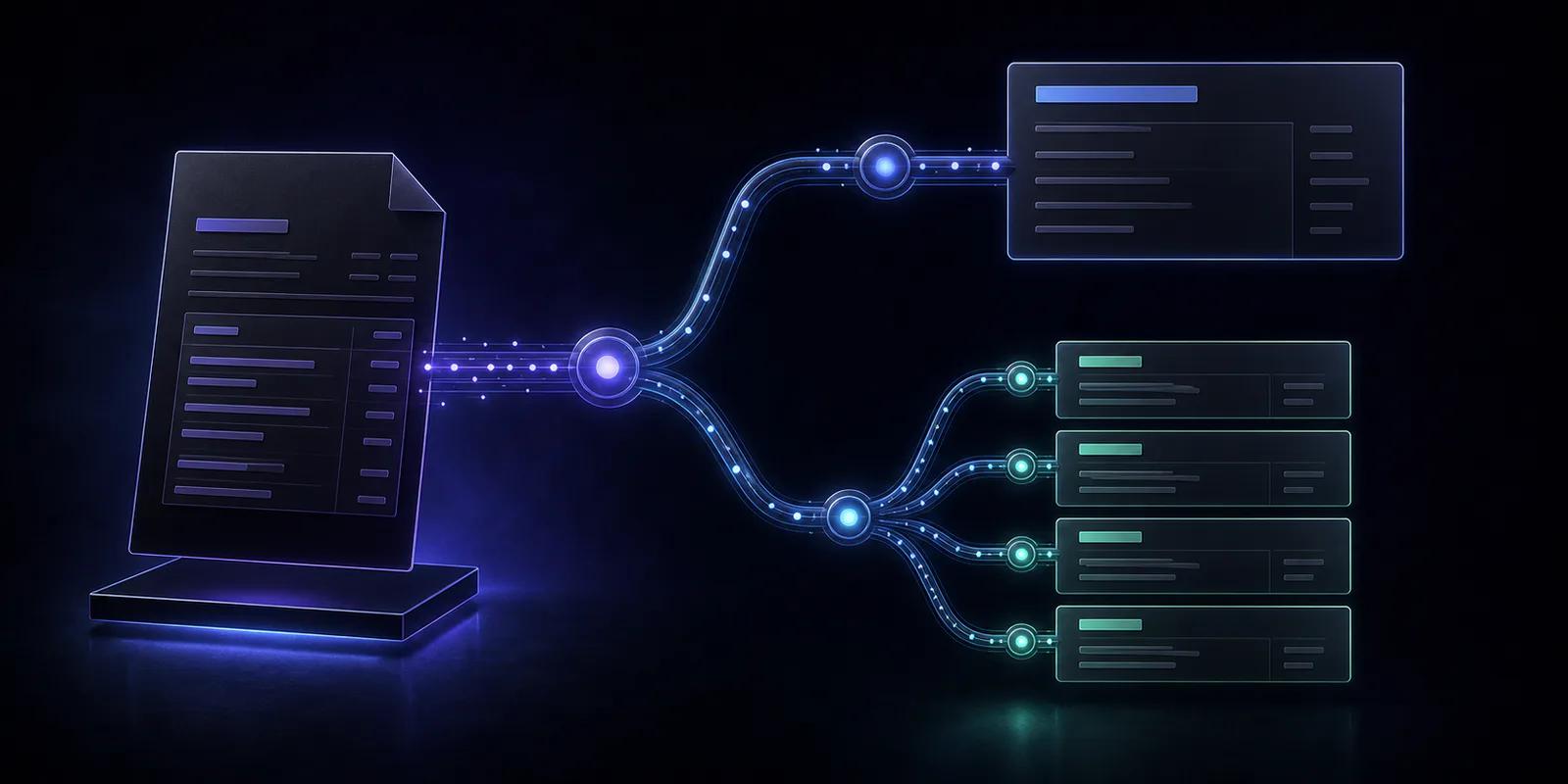
En esta guía vamos a generar desde Node.js los dos archivos de ventas que acepta la importación de Portal IVA:
LIBRO_IVA_DIGITAL_VENTAS_CBTE.txt, con una línea de 266 bytes por comprobante;LIBRO_IVA_DIGITAL_VENTAS_ALICUOTAS.txt, con una línea de 62 bytes por cada alícuota.
Este ejemplo es para responsables inscriptos que importan ventas en IVA Simple. Los sujetos exentos tienen un diseño específico, sin este archivo de alícuotas, y no deben usar el script sin adaptarlo.
Si primero querés entender qué es el Libro IVA, cómo se relaciona con IVA Simple y por qué el ZIP de duplicados electrónicos es diferente, leé la guía general:
Cómo generar los archivos del Libro IVA Digital de ARCA
Qué es el Libro IVA Digital, qué archivos acepta Portal IVA y cómo generar e importar el Libro IVA Ventas desde tu sistema.
1. Instalar la dependencia de codificación
Node.js escribe UTF-8 de manera predeterminada, pero ARCA exige una codificación ANSI compatible con Windows-1252 o ISO-8859-1. Vamos a usar iconv-lite:
npm install iconv-lite
2. Preparar los datos
El ejemplo usa una Factura B por $121: $100 de neto gravado y $21 de IVA. Los importes se guardan en centavos enteros, no como números decimales.
const vouchers = [
  {
    date: '20260701',
    voucherType: 6, // 006 = Factura B
    pointOfSale: '1',
    number: '123',
    numberTo: '123',
    buyerDocumentType: 80, // 80 = CUIT
    buyerDocumentNumber: '30712345678',
    buyerName: 'CLIENTE MUÑOZ S.A.',
    totalCents: 12100,
    nonTaxedCents: 0,
    uncategorizedPerceptionCents: 0,
    exemptCents: 0,
    nationalTaxPerceptionCents: 0,
    grossIncomePerceptionCents: 0,
    municipalPerceptionCents: 0,
    internalTaxCents: 0,
    currency: 'PES',
    exchangeRateMicros: 1000000, // 1,000000
    operationCode: '0',
    otherTaxesCents: 0,
    dueDate: '00000000',
    vatBreakdown: [
      {
        netCents: 10000,
        rateCode: 5, // 0005 = 21%
        taxCents: 2100,
      },
    ],
  },
];
Podés agregar más comprobantes al arreglo. El generador mantiene el mismo orden en ambos archivos.
3. Generar los registros de ancho fijo
Creá un archivo generar-libro-iva.mjs con el siguiente contenido completo:
import { writeFileSync } from 'node:fs';
import iconv from 'iconv-lite';

function windows1252(value, name) {
  const text = String(value);
  const encoded = iconv.encode(text, 'windows-1252');
  const decoded = iconv.decode(encoded, 'windows-1252');

  if (decoded !== text) {
    throw new Error(
      `${name} contiene caracteres incompatibles con Windows-1252`,
    );
  }

  return encoded;
}

function numericField(value, width, name) {
  const text = String(value);

  if (!/^\d+$/.test(text)) {
    throw new Error(`${name} debe contener solamente dígitos`);
  }

  if (text.length > width) {
    throw new Error(`${name} supera las ${width} posiciones`);
  }

  return text.padStart(width, '0');
}

function zeroPaddedAlphanumericField(value, width, name) {
  const text = String(value).trim().toUpperCase();

  if (!/^[0-9A-Z]+$/.test(text)) {
    throw new Error(`${name} debe ser alfanumérico`);
  }

  const byteLength = windows1252(text, name).length;

  if (byteLength > width) {
    throw new Error(`${name} supera las ${width} posiciones`);
  }

  return '0'.repeat(width - byteLength) + text;
}

function textField(value, width, name) {
  const text = String(value)
    .toLocaleUpperCase('es-AR')
    .replace(/[\r\n\t]/g, ' ')
    .replace(/\s+/g, ' ')
    .trim();
  const byteLength = windows1252(text, name).length;

  if (byteLength > width) {
    throw new Error(`${name} supera las ${width} posiciones`);
  }

  return text + ' '.repeat(width - byteLength);
}

function amountField(cents, name) {
  if (!Number.isSafeInteger(cents)) {
    throw new Error(`${name} debe expresarse en centavos enteros`);
  }

  const absolute = Math.abs(cents).toString();
  const digitWidth = cents < 0 ? 14 : 15;

  if (absolute.length > digitWidth) {
    throw new Error(`${name} supera las 15 posiciones`);
  }

  const digits = absolute.padStart(digitWidth, '0');
  return cents < 0 ? `-${digits}` : digits;
}

function buildRecord(parts, expectedLength, name) {
  const record = parts.join('');
  const byteLength = windows1252(record, name).length;

  if (byteLength !== expectedLength) {
    throw new Error(
      `${name} mide ${byteLength}; ARCA exige ${expectedLength}`,
    );
  }

  return record;
}

function validateVoucher(voucher) {
  const vatCount = voucher.vatBreakdown.length;

  if (vatCount < 1 || vatCount > 9) {
    throw new Error('La cantidad de alícuotas debe estar entre 1 y 9');
  }

  const calculatedTotal =
    voucher.nonTaxedCents +
    voucher.uncategorizedPerceptionCents +
    voucher.exemptCents +
    voucher.nationalTaxPerceptionCents +
    voucher.grossIncomePerceptionCents +
    voucher.municipalPerceptionCents +
    voucher.internalTaxCents +
    voucher.otherTaxesCents +
    voucher.vatBreakdown.reduce(
      (total, vat) => total + vat.netCents + vat.taxCents,
      0,
    );

  if (calculatedTotal !== voucher.totalCents) {
    throw new Error(
      `El total informado (${voucher.totalCents}) no coincide con sus componentes (${calculatedTotal})`,
    );
  }
}

function salesVoucherRecord(voucher) {
  validateVoucher(voucher);

  return buildRecord(
    [
      numericField(voucher.date, 8, 'Fecha'),
      numericField(voucher.voucherType, 3, 'Tipo de comprobante'),
      numericField(voucher.pointOfSale, 5, 'Punto de venta'),
      numericField(voucher.number, 20, 'Número de comprobante'),
      numericField(voucher.numberTo, 20, 'Número de comprobante hasta'),
      numericField(voucher.buyerDocumentType, 2, 'Tipo de documento'),
      zeroPaddedAlphanumericField(
        voucher.buyerDocumentNumber,
        20,
        'Documento',
      ),
      textField(voucher.buyerName, 30, 'Nombre del comprador'),
      amountField(voucher.totalCents, 'Importe total'),
      amountField(voucher.nonTaxedCents, 'Conceptos no gravados'),
      amountField(
        voucher.uncategorizedPerceptionCents,
        'Percepción a no categorizados',
      ),
      amountField(voucher.exemptCents, 'Operaciones exentas'),
      amountField(
        voucher.nationalTaxPerceptionCents,
        'Percepciones nacionales',
      ),
      amountField(
        voucher.grossIncomePerceptionCents,
        'Percepciones de Ingresos Brutos',
      ),
      amountField(
        voucher.municipalPerceptionCents,
        'Percepciones municipales',
      ),
      amountField(voucher.internalTaxCents, 'Impuestos internos'),
      textField(voucher.currency, 3, 'Moneda'),
      numericField(voucher.exchangeRateMicros, 10, 'Tipo de cambio'),
      numericField(voucher.vatBreakdown.length, 1, 'Cantidad de alícuotas'),
      textField(voucher.operationCode, 1, 'Código de operación'),
      amountField(voucher.otherTaxesCents, 'Otros tributos'),
      numericField(voucher.dueDate, 8, 'Fecha de vencimiento'),
    ],
    266,
    'Registro de comprobante',
  );
}

function salesVatRecord(voucher, vat) {
  return buildRecord(
    [
      numericField(voucher.voucherType, 3, 'Tipo de comprobante'),
      numericField(voucher.pointOfSale, 5, 'Punto de venta'),
      numericField(voucher.number, 20, 'Número de comprobante'),
      amountField(vat.netCents, 'Neto gravado'),
      numericField(vat.rateCode, 4, 'Alícuota'),
      amountField(vat.taxCents, 'Impuesto liquidado'),
    ],
    62,
    'Registro de alícuota',
  );
}

function writeWindows1252File(path, records) {
  if (records.length === 0) {
    throw new Error(`${path} no contiene registros`);
  }

  const content = `${records.join('\r\n')}\r\n`;
  writeFileSync(path, windows1252(content, path));
}

const vouchers = [
  {
    date: '20260701',
    voucherType: 6,
    pointOfSale: '1',
    number: '123',
    numberTo: '123',
    buyerDocumentType: 80,
    buyerDocumentNumber: '30712345678',
    buyerName: 'CLIENTE MUÑOZ S.A.',
    totalCents: 12100,
    nonTaxedCents: 0,
    uncategorizedPerceptionCents: 0,
    exemptCents: 0,
    nationalTaxPerceptionCents: 0,
    grossIncomePerceptionCents: 0,
    municipalPerceptionCents: 0,
    internalTaxCents: 0,
    currency: 'PES',
    exchangeRateMicros: 1000000,
    operationCode: '0',
    otherTaxesCents: 0,
    dueDate: '00000000',
    vatBreakdown: [
      { netCents: 10000, rateCode: 5, taxCents: 2100 },
    ],
  },
];

const voucherRecords = vouchers.map(salesVoucherRecord);
const vatRecords = vouchers.flatMap((voucher) =>
  voucher.vatBreakdown.map((vat) => salesVatRecord(voucher, vat)),
);

writeWindows1252File(
  'LIBRO_IVA_DIGITAL_VENTAS_CBTE.txt',
  voucherRecords,
);
writeWindows1252File(
  'LIBRO_IVA_DIGITAL_VENTAS_ALICUOTAS.txt',
  vatRecords,
);

console.log(
  `Generados ${voucherRecords.length} comprobantes y ${vatRecords.length} alícuotas`,
);
Ejecutalo con:
node generar-libro-iva.mjs
4. Validar antes de importar
El script corta la ejecución si:
- un campo numérico contiene caracteres no permitidos;
- el documento del comprador no es alfanumérico;
- un valor supera el ancho oficial;
- un texto contiene caracteres incompatibles con Windows-1252;
- una cabecera no mide exactamente 266 bytes;
- una alícuota no mide exactamente 62 bytes;
- el total no coincide con el neto, IVA y demás conceptos;
- un importe no fue entregado en centavos enteros;
- se intenta crear un archivo sin registros.
También escribe finales de línea CRLF y convierte el contenido a Windows-1252.
Casos que requieren adaptar el ejemplo
- Varias alícuotas: agregá un objeto por alícuota en
vatBreakdown. - Operaciones exentas o no gravadas: usá el código de operación y la alícuota que indique la tabla oficial.
- Notas de crédito: informá su tipo de comprobante y no inviertas los importes automáticamente.
- Moneda extranjera: mantené consistente la moneda, el tipo de cambio y la opción elegida al importar.
- TURIVA, importaciones y comprobantes anulados: usá sus diseños específicos.
Otras versiones
Consultá siempre el diseño de registros, las validaciones y las tablas del sistema vigentes antes de generar archivos productivos.


